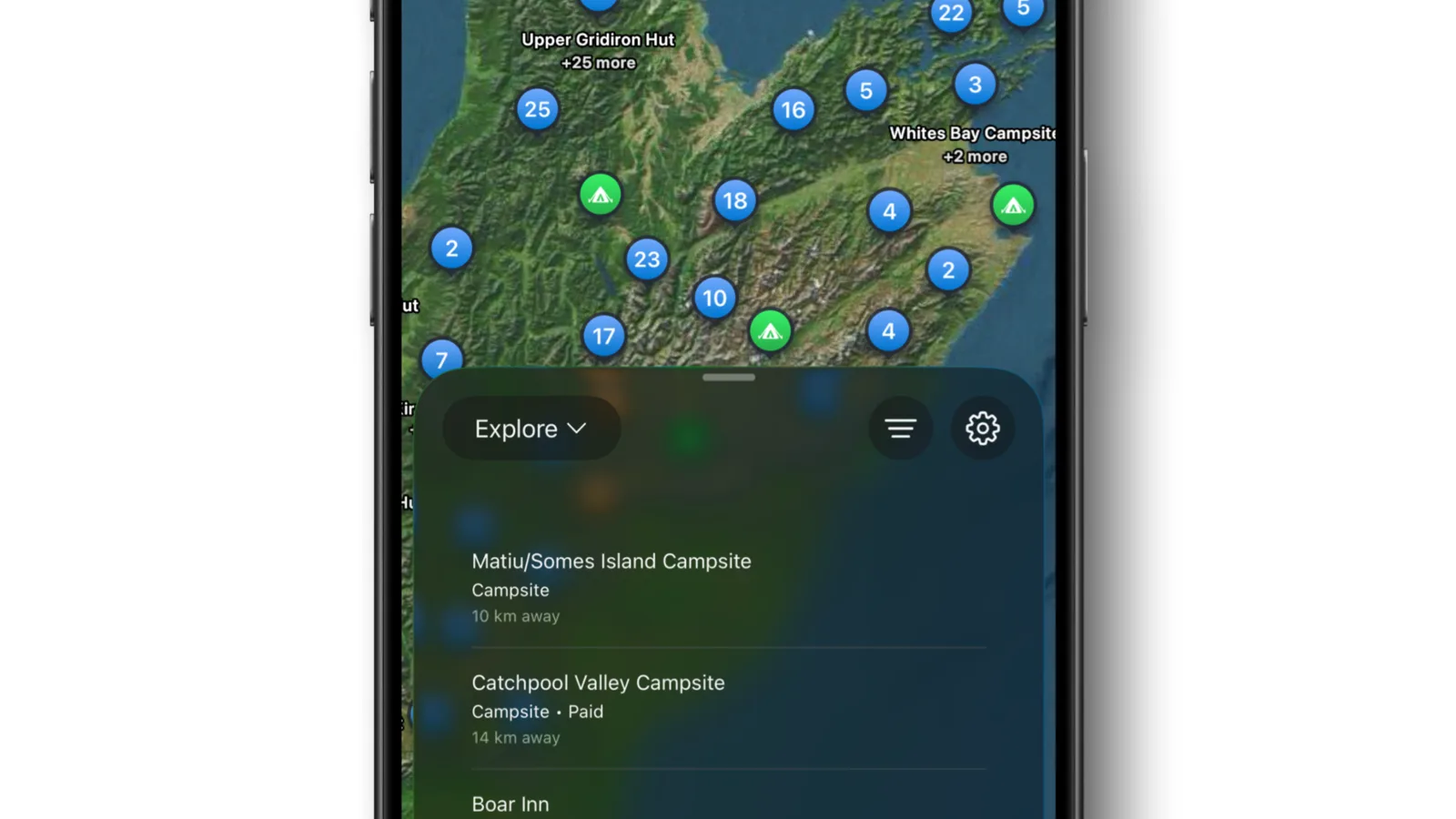
If the WikiCamps trip planner was how you mapped out New Zealand, KiwiCamping is a simpler way to plan the same road trip. Start at home or any address, add campsites, addresses and your own pins as stops, and see the distance and drive time for every leg, with no account and no ads. We make KiwiCamping, and here's how planning works for a New Zealand trip.
Why WikiCamps trip planner users look elsewhere
Since WikiCamps' big update, many planners say the app has become fiddly, signs them out at the worst moments and shows ads they didn't expect in an app they paid for.
If you're switching from WikiCamps, the good news is that a whole trip moves over in an evening.
- Fiddly since the update
- Logged out at the worst moments
- Ads in a paid app
Start at Home, finish at Home
Set your home address once in the You tab, and the trip planner reuses it in every trip. Start at Home and Finish at Home are a single tap each.
Visiting? Any address works as a stop, so start at the airport, your rental depot or the place you're staying on the first night.
- Set Home once
- Start and Finish at Home
- Or start at the airport
Add any stop in KiwiCamping: places, addresses and pins
Tap Add stop and one search finds Home, your current location, your saved pins, places in the app or any address. Found a great spot of your own? Drop a pin and tap Add to trip.
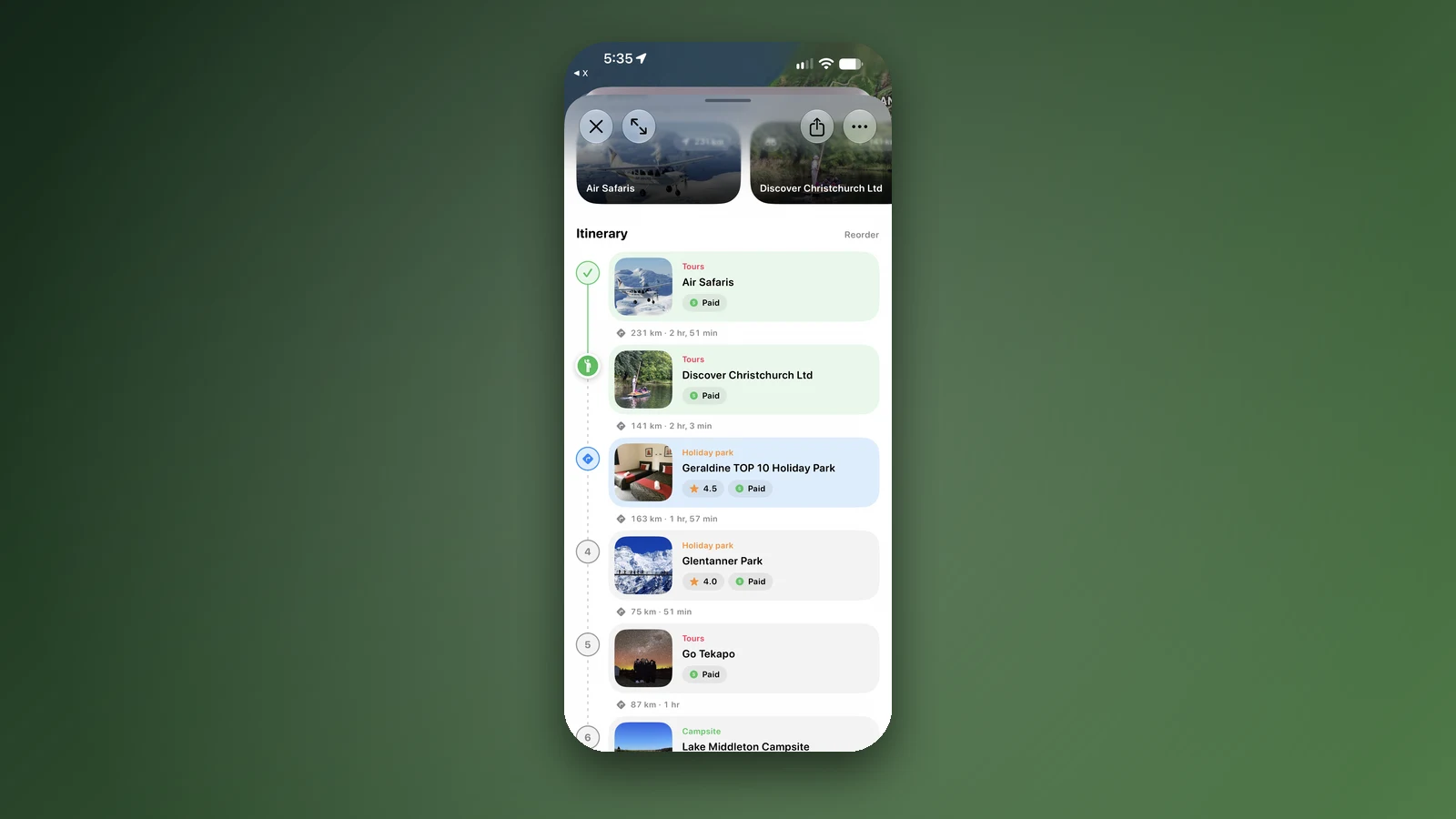
The route redraws with the kilometres and driving time for each leg. Drag stops into the order you'll drive, give each one an arrival date, and add a note for the booking reference or the gate code.
| Job | In KiwiCamping |
|---|---|
| Start and finish | Start at Home and Finish at Home, or any address |
| Add stops | Places, addresses, your location and pins |
| Put stops in order | Drag to reorder; the route updates |
| Drive times | Distance and drive time for every stop |
| Dates and notes | An arrival date and a note on each stop |
| Plan with your partner | Collaborate, live through iCloud |
- One search for every kind of stop
- Pins go straight in
- Distance and drive time per leg
Plan around New Zealand's fixed points
Booked Great Walk huts, DOC campsites that need a booking in summer and the Cook Strait ferry fix the shape of most trips. Add those first and keep everything between them flexible.
Watch the drive times more than the kilometres. Winding roads and passes make New Zealand driving days slower than they look, so split any leg that eats the whole day. The filters help fill the gaps, with Dogs allowed, 4WD access and Caravan access in their own Pets and access section.
- Fixed nights first
- Watch drive times
- Filters for the gaps
On the road with your plan
Tick stops off as you go and check the weather at the next ones. Keep the shopping, bookings and ferry check-in on the trip's To-do list.
The You tab keeps score: a map that fills in the regions you've visited, how much of New Zealand you've seen, kilometres travelled and nights camped.
- Tick stops off
- Weather and a To-do list
- Your travel map and stats
Plan together and check it on a laptop
Share the trip with Collaborate and your partner can add, reorder and tick off stops with you, live. Send copy gives a link that opens in any web browser, so you can look over the plan on a laptop at home.
Share as image makes a picture of the route, stops, dates and nights for the family chat. Turn on Sync to calendar and the trip lands in your calendar too. KiwiCamping is free to download, with in-app purchases.
- Collaborate live
- Open it on a laptop
- Calendar sync
Places along the way
Check before you go
Rules and conditions change. Recheck the official source and the page for your exact park or campground before departure.
Common questions
What is the best trip planner app for New Zealand?+
For a camping road trip, KiwiCamping, which we make: start at home or any address, add places and pins, see drive times, and plan live with your partner, with no account and no ads.
How do I plan a campervan route in NZ?+
Add the booked nights and the ferry first, then fill in stops in driving order. Keep most days to three or four hours of driving.
Can I export my WikiCamps trip?+
Write your WikiCamps stops down and rebuild the route in KiwiCamping. One search covers campsites, street addresses and your own pins.
Does KiwiCamping show driving times between stops?+
Yes. Each leg of the route lists how far it is and how long the drive takes.
Can I start a trip from my accommodation or the airport?+
Yes. Use Start at Home with your saved home address, or add any address, such as the airport, as the first stop.