To switch from WikiCamps NZ, jot down your saved places and your trip, then add each one to KiwiCamping with a quick search. Places in the app, any address and your own dropped pins all work, so most trips move over in an evening. We make KiwiCamping, and this is the fastest order to do it in, starting with the nights you can't change.
Why campers are switching from WikiCamps NZ
Plenty of WikiCamps users find the new version a chore: harder to use, quick to log them out, and full of ads they never expected after paying. If WikiCamps NZ is not working for you any more, you don't have to keep wrestling with it.
KiwiCamping opens straight to the map, with no account, no login and no ads. You'll have DOC's campsites, huts and tracks at your fingertips, filters that match everything you pick, and a trip you can plan together with your partner.
- No account or login
- No ads
- Plan together with your partner
Step 1: jot down what you have
Open WikiCamps one last time and screenshot your favourites, your lists and your trip, or type the names into your Notes app. Keep the booking references for any nights you've already paid for.
That list is all you need. Everything from here happens in KiwiCamping.
- Screenshot lists and trips
- Keep booking references
Step 2: booked nights and the ferry first
Create a trip, then tap Add stop and search for each booked DOC campsite or Great Walk hut. Give each stop its arrival date and pop the booking reference in its note.
Next, the Cook Strait crossing. Add the ferry terminal by its address, then the last night before it and the first night after. Once these fixed points are in, the rest of the trip falls into place around them.
- Add stop for each booking
- Dates and booking notes
- Ferry terminal by address
Step 3: every other spot, even unlisted ones
The same Add stop search finds places in the app, any street address, your current location and your saved pins. Got a favourite spot of your own? Drop a pin on the map and tap Add to trip.
Every stop shows on the route with its distance and drive time, so you can see straight away whether a day is too long. Tap Start at Home or Finish at Home to bookend the trip with the address you saved in the You tab.
- Places, addresses and pins
- Drop a pin, add to trip
- Distance and drive time for every stop
Step 4: your favourites and lists in KiwiCamping
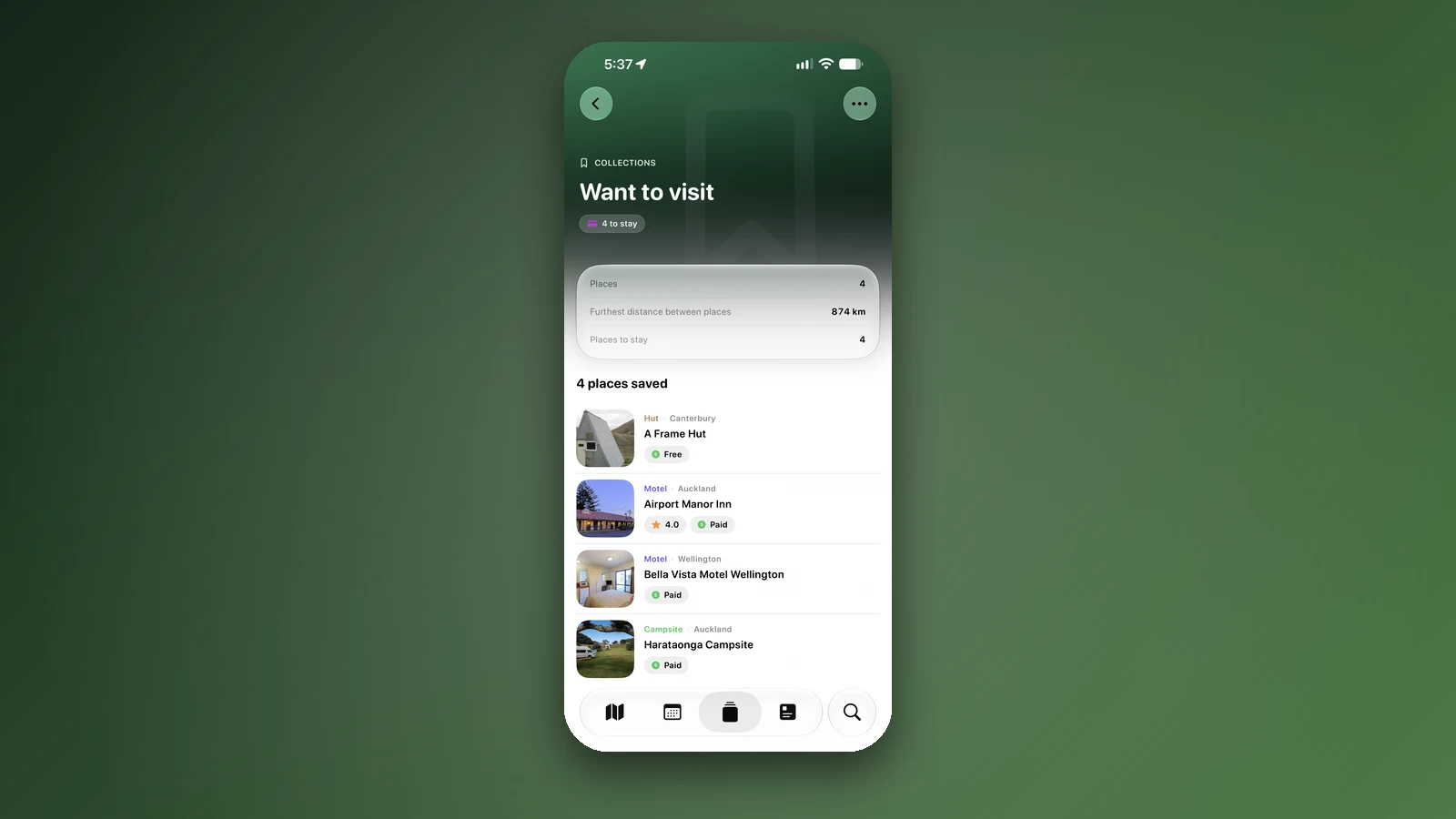
Like or star the places you loved, and mark the ones you still want to see as Want to visit.
Your own WikiCamps lists become collections of your own, and one per island works well. Your tips for a place go in its private note.
| From WikiCamps NZ | In KiwiCamping |
|---|---|
| Favourites | Liked or Starred |
| Places you plan to see | Want to visit |
| Your own lists | Collections, one per island or trip |
| Your trip | A trip with dated stops, from Add stop |
| A secret spot | A dropped pin, added to the trip |
| Notes on a site | A private note on the place |
- Liked, Starred, Want to visit
- Lists become collections
- Tips go in private notes
Step 5: freedom camping nights
Don't just copy old freedom camping spots across: check the freedom camping rules again. DOC's notices for conservation land are in KiwiCamping, and council bylaws are on each council's website.
Then let the filters find you somewhere new. Dogs allowed, 4WD access and Caravan access sit in the Pets and access section, the Cost filter brings up DOC's free and low-cost campsites, and every place shown matches all the filters you choose.
- DOC notices in the app
- Filters match all your choices
- DOC's free and low-cost campsites
Bring your travel partner along
Tap Share on the trip and choose Collaborate to invite your partner through iCloud. You both add stops, reorder them, tick them off and edit notes, and changes appear on both phones within seconds.
Your own iPhones stay in sync through iCloud too, with nothing to sign into. KiwiCamping has no ads and is independent, and it's free to download, with in-app purchases.
- Collaborate live
- Synced through iCloud
- No ads, independent
Places along the way
Check before you go
Rules and conditions change. Recheck the official source and the page for your exact park or campground before departure.
Common questions
Can I export my trip from WikiCamps?+
The quickest move is a list or screenshots of your WikiCamps trip. Then add each stop in KiwiCamping with Add stop, which finds places, addresses and pins.
How do I move my saved campsites to another app?+
Search each one in KiwiCamping and save it: favourites become Liked or Starred, and your lists become collections.
Can I add my own spot to a trip?+
Yes. Drop a pin and tap Add to trip, or add any address with Add stop.
Can my partner and I plan the trip together?+
Yes. Tap Share on the trip and choose Collaborate. You both edit it live through iCloud, with no account.
How long does switching from WikiCamps take?+
Most trips take an evening. Start with booked nights and the ferry, then add the rest.