KiwiCamping is not an offline map app. The place data stays useful outside coverage, but map tiles, weather, routing and photos need a network, and knowing exactly which half is which is the difference between a well-prepared remote leg and finding out at the wrong moment.
What stays available without reception
The app bundles its New Zealand place records: DOC campsites, huts and tracks, DOC freedom camping notices, dump stations, day-use areas, and BookIt holiday parks and tours. Core details travel with the app rather than being fetched, so they remain readable when the signal does not. BookIt stays and tours are free; the DOC places, dump stations and day-use areas are part of the Premium pass.
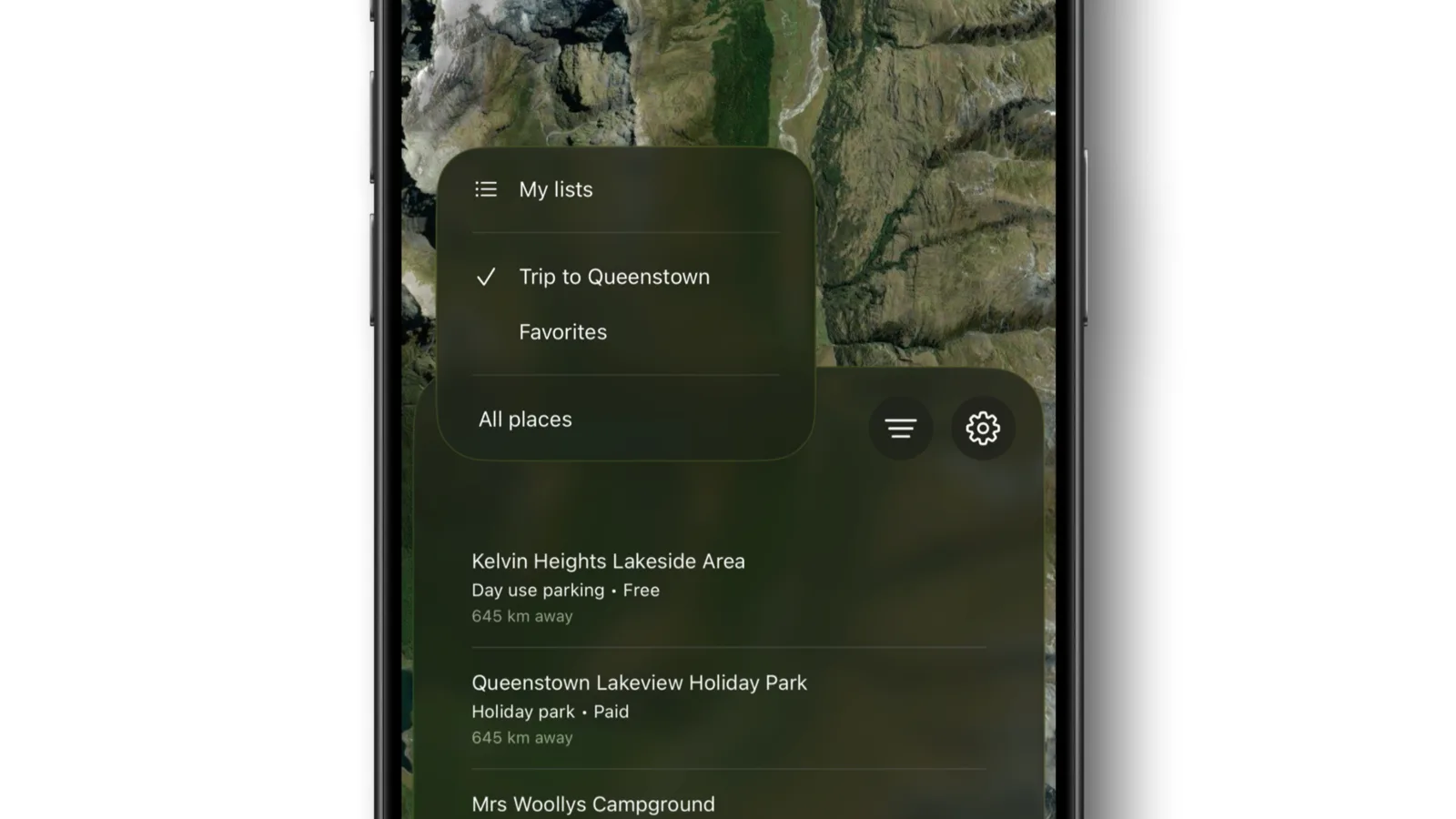
Saved lists and trip information stay usable too. You can review the plan, read the notes attached to each stop and check what you decided about a place, which is normally exactly what you need when you are deciding whether to push on or stop.
- Place records bundled
- Saved lists and trips stay readable
- Details travel with the app
What genuinely needs a connection
Weather forecasts, live routing and directions, external booking pages, provider websites, place photos, map tiles and satellite imagery all require connectivity. None of this removes the stored place record, but it does mean the answer to "is it going to rain" and "is there a bed free" is not available out there.
Look Around imagery also needs a connection, which is worth knowing because it is most useful precisely when you are approaching an unfamiliar entrance, and that is often where coverage ends.
Where in New Zealand this actually bites
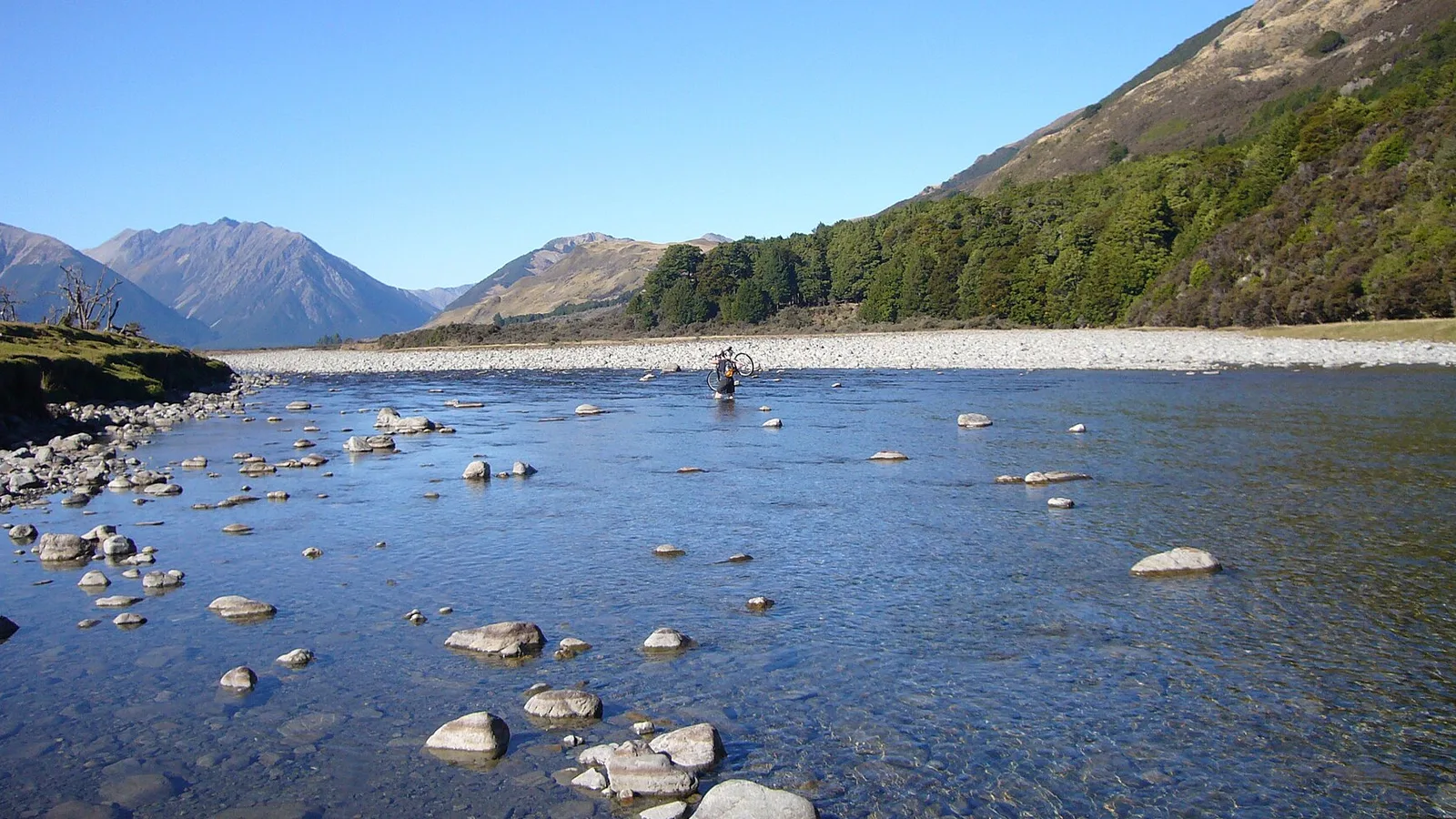
The West Coast between Westport and Haast, most of Fiordland, the East Cape, the Catlins, inland Otago and large parts of the central North Island have long stretches with no usable mobile coverage. These are not remote outposts; they are on the main tourist routes, and they are exactly where you will be choosing a campsite.
Coverage maps also flatter reality. A carrier may show service in a valley where the signal disappears behind the first ridge, and roaming SIMs frequently perform worse than local ones. Plan for less coverage than the map promises.
- Main tourist routes lose coverage
- Coverage maps are optimistic
- Roaming SIMs perform worse
Do the live checks before you lose signal
Build a habit around the last town with reception: check the forecast for the next two days, confirm any booking, look at road conditions and alerts, and open the place records for tonight and tomorrow so they are loaded and familiar.
Screenshot the things that would cost you if they vanished. Booking confirmations, gate codes, the campground's phone number and any access instruction are worth a screenshot each, because a screenshot needs no app, no session and no signal.
Battery is part of offline planning
An offline app is no use on a dead phone, and the phone is doing more work than usual on a road trip: navigation, photographs, weather checks and searching for signal, which drains a battery faster than almost anything else. Enable low power mode before it becomes urgent.
Carry a charged power bank and a cable that actually works in the vehicle. Cold nights reduce battery capacity noticeably, so a phone that seemed fine at dinner can be flat by morning at an alpine site.
- Searching for signal drains fast
- Carry a charged power bank
- Cold nights cut battery capacity
The listing does not outrank the sign
Offline data tells you what was true when the record was made. Rangers close sites, councils change bylaws, floods take out access roads and fire restrictions arrive quickly. On arrival, the sign, the barrier and the land manager decide, and they always outrank a cached record.
If what you find contradicts what you saved, follow what is in front of you and move to your backup. That is the whole reason for having identified one before you left coverage.
Offline apps are not a safety system
For anything safety-critical, carry a downloaded or paper topographic map and know how to use it. A camping directory is not a navigation tool, and phone GPS with no map context has walked people into genuine trouble in New Zealand backcountry.
For remote walking or back-road driving, hire a personal locator beacon. They cost very little for a trip, work where phones do not, and are the single item most likely to change the outcome of a serious problem.
- Carry a real topo map
- Hire a PLB for remote legs
- A directory is not a navigation tool
Miejsca po drodze
Najczęstsze pytania
What works in KiwiCamping without reception?+
The place directory is bundled with the app, so names, categories, descriptions, fees, facilities, opening hours and conditions all open with no signal. Search, filters and saved places work offline too, for the places your access covers: BookIt stays and tours are free, DOC places and dump stations need the Premium pass.
What needs a connection?+
The live services: weather, routing and directions, Look Around imagery, place photos and provider booking pages. Those are fetched when asked for, so the place screen still opens without them.
Zabierz aplikację w trasę
Zapisz przystanki. Zaplanuj całą podróż.
Ułóż trasę z zapisanych miejsc, policz odległość i trzymaj przy niej daty, notatki i zadania.